How to scale a VR training programme beyond the pilot
Scaling a VR training programme means making the exercise repeatable for learners and manageable for the people delivering it. Before adding headsets or locations, agree the training objective, facilitator responsibilities, session capacity, device setup and evidence needed to approve the rollout.
A successful demonstration is a useful starting point. A rollout also needs a process for keeping content current, supporting learners and checking that each site is using the right version.
Set a clear decision at the end of the pilot
Decide what the pilot needs to establish. Can representative learners complete the exercise? Can a facilitator run it without the development team in the room? Does the feedback correspond to the approved procedure? Can the intended devices run the complete session reliably?
Use a written acceptance checklist and record unresolved issues. Keep technical acceptance separate from evidence of learning improvement: a working simulation does not, by itself, establish better workplace performance. If that is the objective, define an evaluation with the trainers before rollout.
Our VR training cost guide includes an example pilot brief and the scope boundaries to put into a quotation.
Calculate capacity around the whole session
Include briefing, fitting the device, the exercise, debriefing and device turnover. Dividing the available time by the exercise duration alone overstates capacity.
For illustration, a 15-minute exercise with 10 minutes for briefing, setup and turnover takes a 25-minute slot. Four headsets available for three hours could accommodate at most 28 complete individual sessions: four devices multiplied by seven slots. That is a planning ceiling, before allowing for breaks, charging, troubleshooting, additional coaching or learners who need longer. Validate the assumptions during the pilot.
Group delivery and multi-user VR mean different things. A group can complete individual exercises in parallel and discuss them afterwards. A shared multi-user simulation adds requirements such as network connectivity, synchronisation, participant roles and recovery when someone disconnects. Specify which arrangement the learning objective requires.
Choose the delivery format for each exercise
| Format | Consider it when | Check before rollout |
|---|---|---|
| Interactive 360-degree video | Real locations and filmed conversations are central to the exercise | Branching choices, language versions, supported viewing devices and platform licences |
| Interactive 3D VR | Learners need to inspect, move around or operate a simulated environment | Device performance, input controls, usable space and facilitator support |
| Desktop simulation | Decisions and procedures can be practised on existing computers | Input design, supported browsers or installations, and whether spatial tasks remain meaningful |
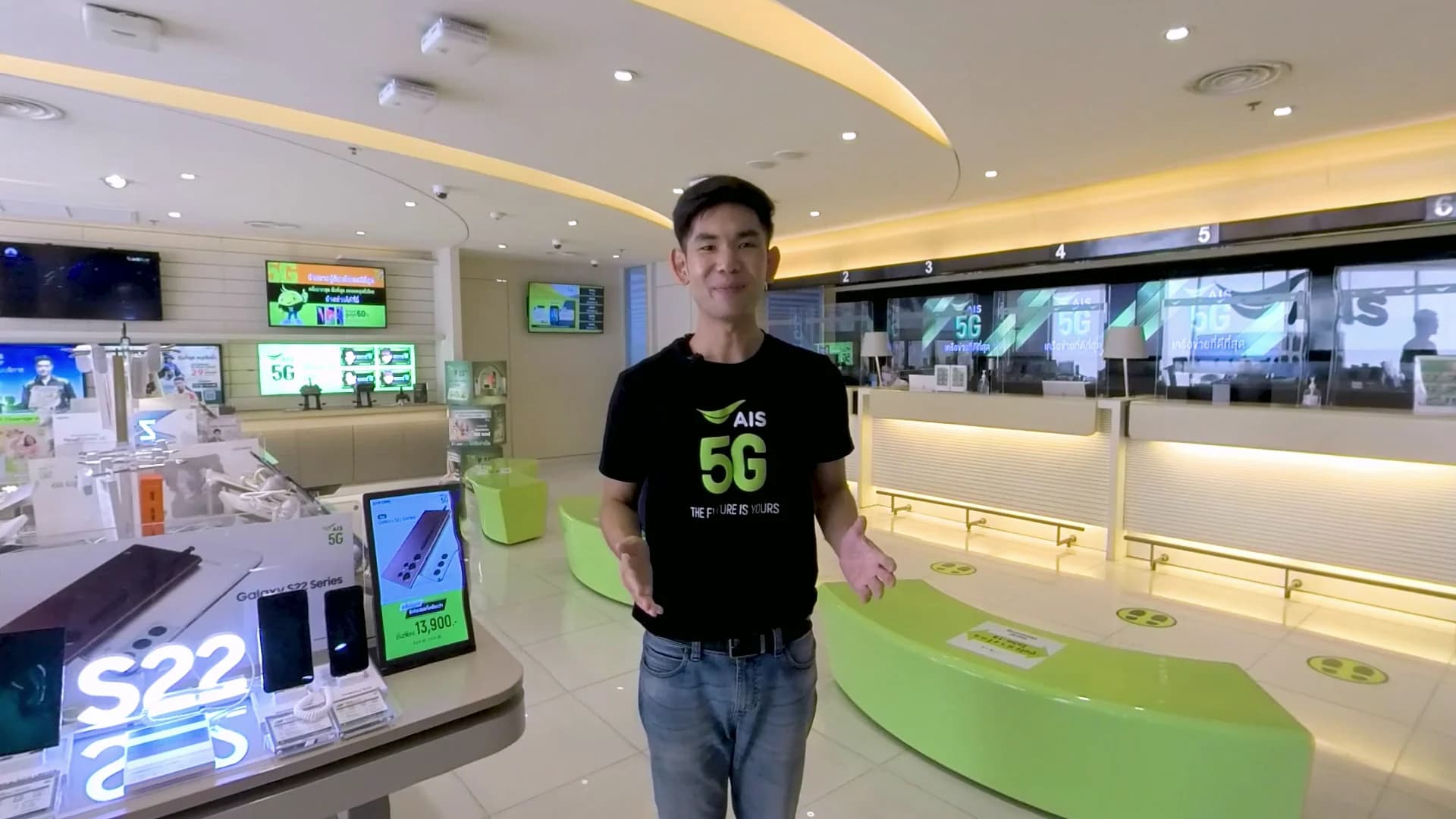
AIS customer-service training used Thai-language interactive 360-degree scenarios delivered through WarpVR on headsets and mobile devices. The UNODC vehicle-search simulation uses interactive cars, trucks and containers. These illustrate different production and delivery requirements; neither format should be selected solely because it is described as VR.
Plan languages as maintained versions
Identify the languages needed at launch and who approves each version. Translation affects instructions, dialogue, feedback, captions and facilitator materials. For filmed scenarios, a language change may require new voice work or footage as well as text changes.
Use consistent terminology from the organisation's approved procedures. Have a fluent subject specialist review the complete exercise, including prompts that appear only after a wrong decision. Test text and captions on the actual device.
When a procedure changes, record which language versions need updating and prevent an obsolete version being mistaken for the current one.
Give each site an operating checklist
Name the person responsible for installation, charging, cleaning, storage, software updates and first-line troubleshooting. Follow the device manufacturer's current handling and cleaning instructions. Check network restrictions and whether the application needs an internet connection during the session.
Provide a short facilitator guide: how to start and end an exercise, assist a learner, recognise an incomplete attempt and escalate a technical problem. Agree an alternative learning route for people who cannot comfortably use a headset.
For centrally managed devices, specify who controls accounts and licences, how updates are tested before wider installation, and how a previous working build can be restored.
Decide what evidence trainers need
Choose reporting that supports the training objective. Completion, attempts and checklist decisions can be useful, but none should be treated as competence without an agreed assessment method. Record enough version information to interpret the result after the exercise changes.
If results must reach a learning-management system, verify the actual integration early. Test an interrupted session, a retry and a failed upload as well as the normal completion path. Agree what the learner and trainer see if a result cannot be submitted.
Keep reporting access and retention requirements in the brief. Collect only the learner information needed for the agreed training process.
Separate expansion from ongoing support
A defined rollout can use a fixed fee once its sites, devices, languages, responsibilities and acceptance checks are settled. Use a capped investigation for uncertain deployment or reporting integrations. A continuing programme may suit a retainer with agreed capacity for maintenance, support and new content.
Show device purchases, platform licences, hosting and travel separately where they apply. Name the owner of source files, builds and training material, and make the handover requirements explicit.
VRG builds custom training simulations from its Bangkok studio. Discuss your rollout with the learner group, target sites, available devices and an example procedure so we can identify what the pilot must prove before you expand it.